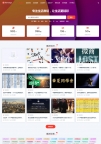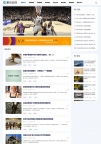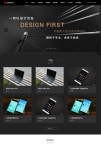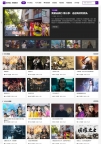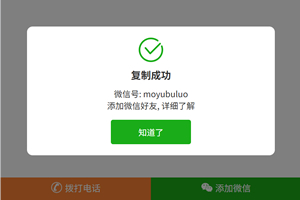
HTML5网页代码实例,手机浏览可以直接唤醒手机拨号,可以直接点击微信按钮复制微信账号。
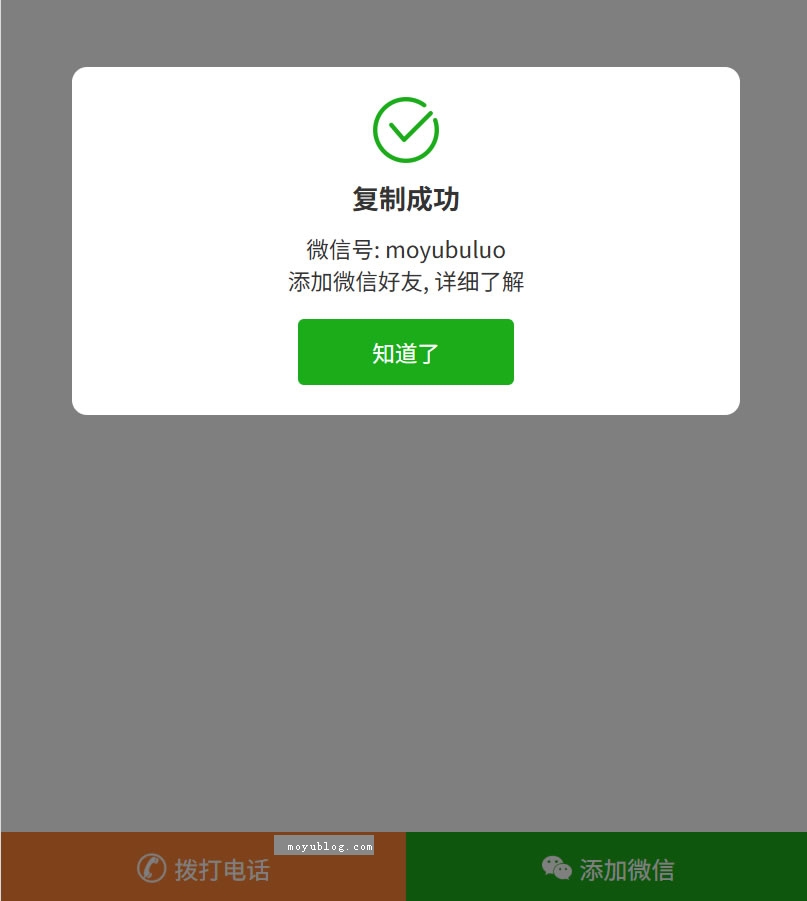
HTML代码:
<!DOCTYPE html>
<html>
<head>
<meta charset="UTF-8">
<meta name= "applicable-device" content= "pc,mobile" />
<meta name="viewport" content="width=device-width,initial-scale=1.0,user-scalable=no,minimum-scale=1,maximum-scale=1" />
<title>无标题文档</title>
<link rel="stylesheet" href="css/style.css" type="text/css" media="all">
<script src="http://libs.baidu.com/jquery/2.0.0/jquery.min.js"></script>
</head>

<body>
<!--手机端底部电话微信-->
<div>
  <div>
    <div>
    <a href="tel:15555558888">
    <img src="images/tel.png">拨打电话</a>
    </div>
    <div id="show-dialog">
      <img src="images/we-chat.png">
      <span>添加微信</span>
    </div>
  </div>
  <div id="top-bar-dialog">
    <div>
      <img src="images/wechat_success_icon.png">
      <div>复制成功</div>
      <div>微信号: <span id="wechat-num">moyubuluo</span></div>
      <div>添加微信好友, 详细了解</div>
      <div id="close-dialog">知道了</div>
    </div>
  </div>
</div>
</script>
<script src="js/wechatTopBar.js"></script>
<!--手机端底部电话微信 结束-->
</body>
</html>
CSS代码:
.top-wechat-bar{
	position: fixed;
	z-index: 99;
	width: 100%;
	height: 48px;
	bottom: 0;
	left: 0;
	right: 0;
	display:none;
}

@media only screen and (max-width:789px) {
.footer{
	margin-bottom:30px;
}

.top-wechat-bar{
	display:block;
}

body{
	padding-bottom:48px;
}

}

.top-wechat-bar-wrap{
	overflow: hidden;
	width: 100%;
	background: #fff;
	height: 48px;
	display: flex;
	justify-content: space-between;
	align-items: center;
}
.base-left-text{
	width:50%;
	height: 100%;
	background-color:#ff8332;
}
.base-left-text a{
	display: flex;
    text-align: center;
    height: 100%;
    font-size: 16px;
    color: #fff;
    justify-content: center;
	align-items: center;
	text-decoration: none;
}
.base-left-text img{
	width:20px;
	height:20px;
	margin-right:5px;
	display:inline-block;
}

.base-right-btn{
	width: 50%;
	height: 100%;
	background: #1aad19;
	font-size: 16px;
	color: #ffffff;
	display: flex;
	justify-content: center;
	align-items: center;
}
.wechat-icon{
	width: 20px;
	height: 20px;
	margin-right: 5px;
}
.top-wechat-bar-dialog{
	width: 100vw;
	height: 100vh;
	overflow: hidden;
	position: fixed;
	z-index: 10001;
	top: 0px;
	right: 0px;
	left: 0px;
	transition: opacity 0.3s ease-in 0s;
	display: none;
	justify-content: center;
	align-items: center;
	background-color: rgba(0, 0, 0, .5);
}
.dialog-content{
	width: 75%;
	padding: 20px;
	background-color: #ffffff;
	border-radius: 10px;
	overflow: hidden;
	position: relative;
	display: flex;
	flex-flow: column nowrap;
	justify-content: center;
	align-items: center;
}
.copy-icon{
	width: 44px;
	height: 44px;
}
.copy-tips{
	color: #333;
	font-size: 18px;
	font-weight: 700;
	margin: .625rem 0;
}
.dialog-desc{
	font-size: 15px;
	color: #333;
}
.i-see-btn{
	background-color: #1aad19;
	border-radius: .25rem;
	width: 9rem;
	height: 2.75rem;
	display: flex;
	align-items: center;
	justify-content: center;
	margin-top: 15px;
	font-size: 15px;
	color: #ffffff;
}
JS代码:
function copyText(id) {
	var target = document.querySelector('#' + id);
	var range = document.createRange();
	try {
		range.selectNode(target);
		window.getSelection().removeAllRanges();
		window.getSelection().addRange(range);
		document.execCommand('copy');
		window.getSelection().removeAllRanges();
		// 复制成功
	} catch (e) {
		// 复制失败
	}
};

function clickHandler(elId, cb) {
	document.getElementById(elId)
		.addEventListener('click', function () {
			if (cb) {
				cb();
			}
		})
};

var topBarDialog = document.getElementById('top-bar-dialog');
clickHandler('show-dialog', function () {
	topBarDialog.style.display = 'flex';
	copyText('wechat-num');
});
clickHandler('close-dialog', function () {
	topBarDialog.style.display = 'none';
}); 相关下载(已下载次)
本文地址:https://www.moyubuluo.com/notes/1265.html
加入我们:微信:搜索“Moyu-Blog” 帝国CMS模板客户群:QQ二群---909235407 QQ一群(已满)---106997031
版权声明:本文采用[BY-NC-SA]协议进行授权,如无特别说明,转载请注明本文地址!